Church Promo Kits

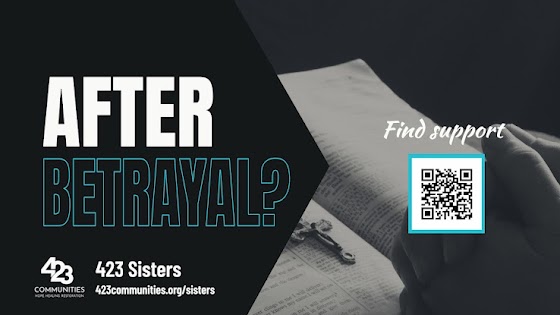
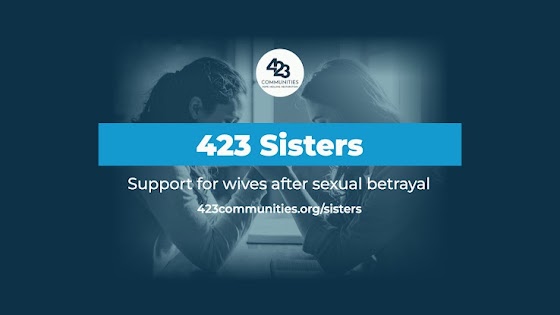
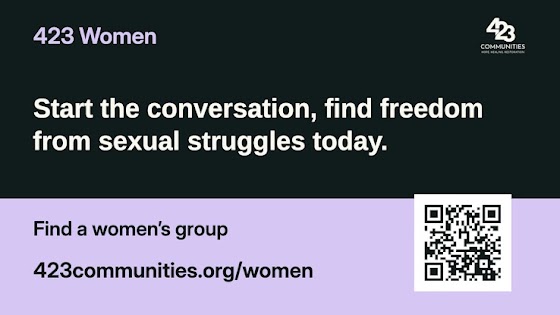
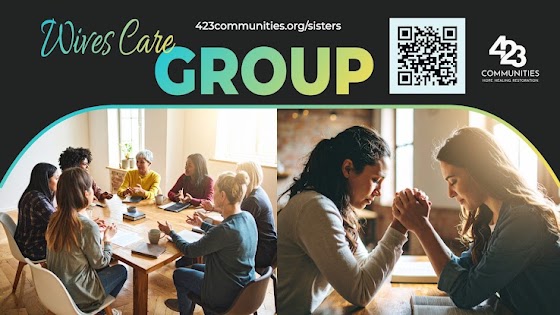
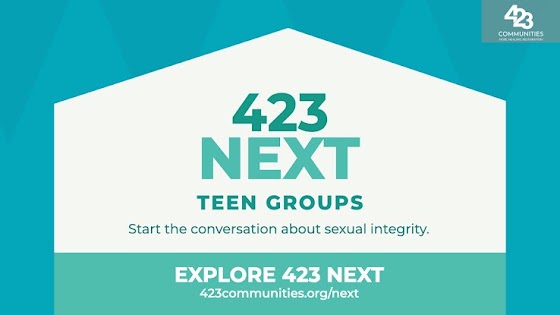
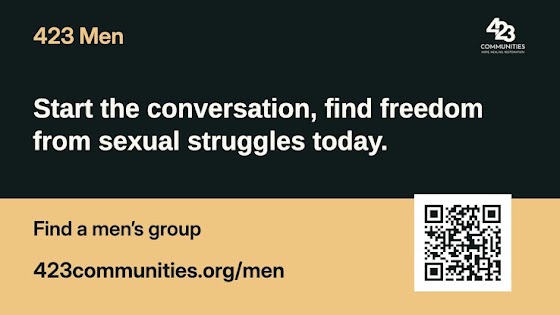
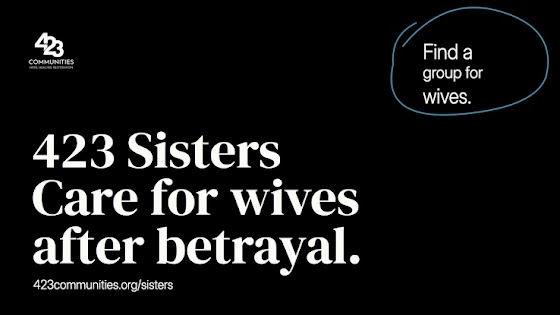
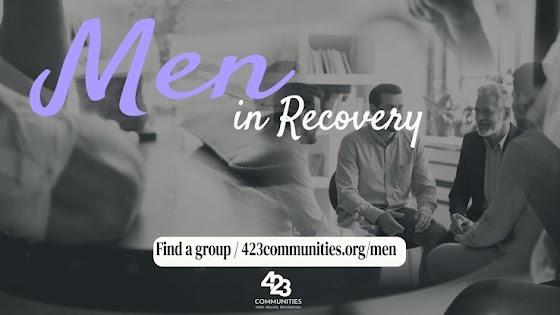
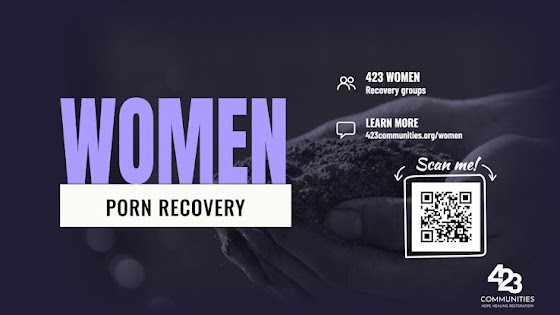
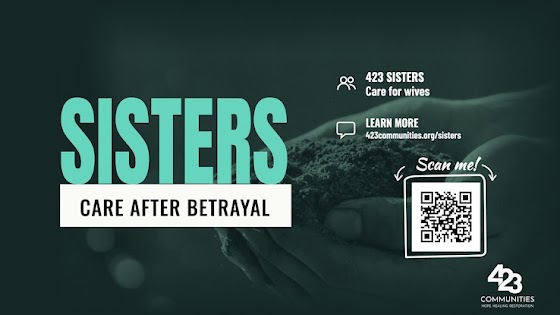
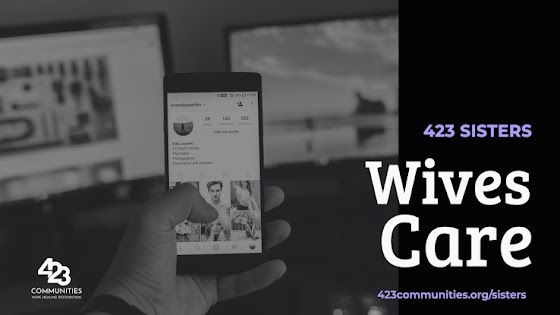
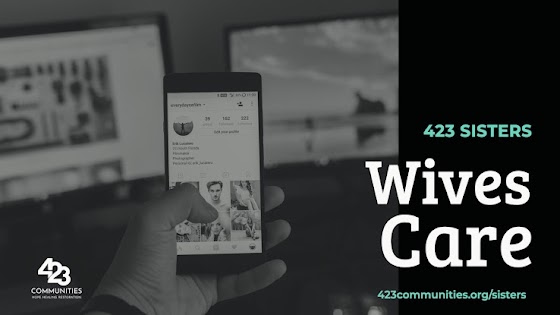
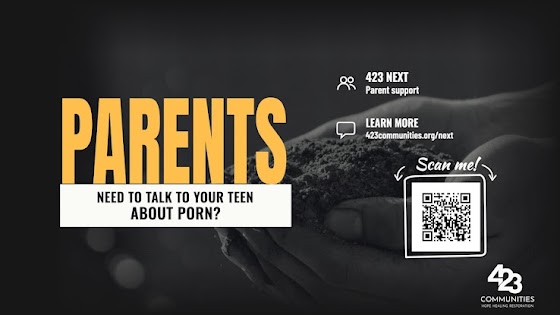
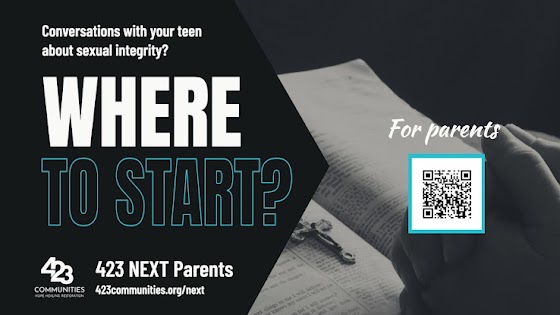
Help someone in your congregation find a first conversation about pornography, recovery or care after betrayal. Choose a screen slide, social post, mobile Story, website graphic, or text image for your church.

Use artwork for
Download full kit · 731 MB 105 designs
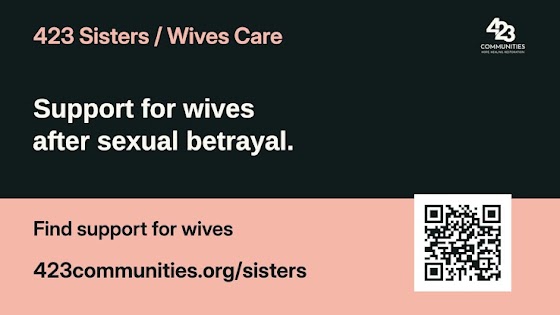
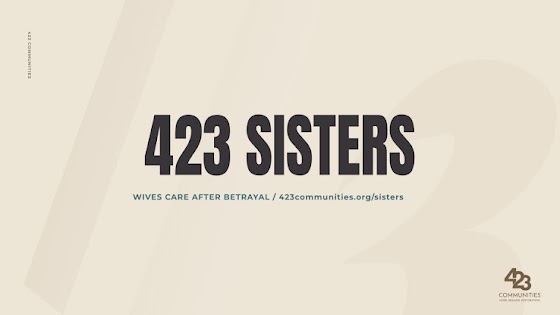
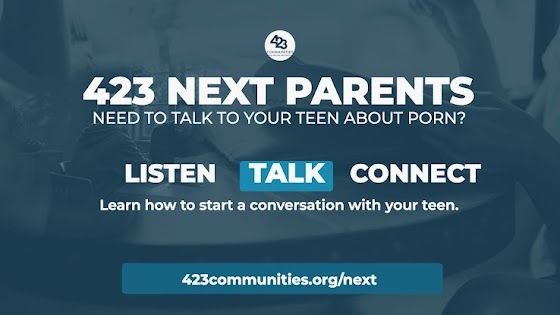
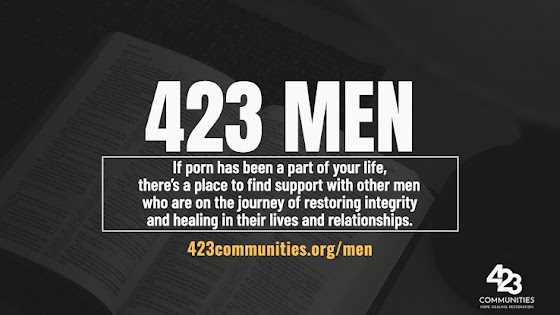
423 Sisters · Wives CareKnown & loved · Stone, clay & moss 423 WomenA place to begin · Cream, coral & evergreen 423 MenEditorial & illustration · Original broadcast palette 423 NEXT · TeensLarge-room editions · High contrast 423 Sisters · Wives CareWho can I tell? · Stone, clay & moss 423 NEXT · ParentsNext week · Original color palette 423 WomenA seat at the table · Cream, coral & evergreen 423 MenMen gathering · Original color palette 423 Sisters · Wives CareWhat do I need to feel safe? · Stone, clay & moss 423 WomenGuided cohorts · Cream, coral & evergreen 423 NEXT · TeensScan arrows · Original color palette 423 Sisters · Wives CareWhen hope feels far away · Stone, clay & moss 423 Sisters · Wives CareOutlined question · Original color palette 423 WomenRoom for your story · Cream, coral & evergreen 423 Sisters · Wives CareMinistry announcements · Original broadcast palette 423 WomenSmall group · Original color palette 423 MenBold title cards · Original broadcast palette 423 WomenStay updated · Evergreen 423 NEXT · ParentsLarge-room editions · High contrast 423 MenBrush lettering · Original color palette 423 WomenEditorial & illustration · Original broadcast palette 423 WomenLarge-room editions · High contrast 423 Sisters · Wives CareSmall group · Original color palette 423 NEXT · TeensEditorial & illustration · Original broadcast palette 423 NEXT · TeensBold title cards · Original broadcast palette 423 MenBoxed message · Evergreen 423 MenLarge-room editions · High contrast 423 MenNew here · Evergreen 423 Sisters · Wives CareBlack & white · Original broadcast palette 423 Sisters · Wives CareLarge-room editions · High contrast 423 Sisters · Wives CareEditorial & illustration · Original broadcast palette 423 NEXT · ParentsEditorial & illustration · Original broadcast palette 423 WomenBold title cards · Original broadcast palette 423 Sisters · Wives CareBold title cards · Original broadcast palette 423 NEXT · ParentsBold title cards · Original broadcast palette 423 MenMinistry announcements · Original broadcast palette 423 WomenMinistry announcements · Original broadcast palette 423 NEXT · TeensMinistry announcements · Original broadcast palette 423 NEXT · ParentsMinistry announcements · Original broadcast palette 423 NEXT · ParentsBlack & white · Original broadcast palette 423 MenBoxed message · Original color palette 423 MenBoxed message · Indigo 423 MenWorship banner · Original color palette 423 MenWorship banner · Indigo 423 MenWorship banner · Evergreen 423 MenBrush lettering · Indigo 423 MenBrush lettering · Evergreen 423 MenNew here · Original color palette 423 MenNew here · Indigo 423 MenMen gathering · Indigo 423 MenMen gathering · Evergreen 423 WomenBoxed message · Original color palette 423 WomenBoxed message · Indigo 423 WomenBoxed message · Evergreen 423 WomenWorship banner · Original color palette 423 WomenWorship banner · Indigo 423 WomenWorship banner · Evergreen 423 WomenGiving and care · Original color palette 423 WomenGiving and care · Indigo 423 WomenGiving and care · Evergreen 423 WomenSmall group · Indigo 423 WomenSmall group · Evergreen 423 WomenStay updated · Original color palette 423 WomenStay updated · Indigo 423 Sisters · Wives CareBoxed message · Original color palette 423 Sisters · Wives CareBoxed message · Indigo 423 Sisters · Wives CareBoxed message · Evergreen 423 Sisters · Wives CareGiving and care · Original color palette 423 Sisters · Wives CareGiving and care · Indigo 423 Sisters · Wives CareGiving and care · Evergreen 423 Sisters · Wives CareOutlined question · Indigo 423 Sisters · Wives CareOutlined question · Evergreen 423 Sisters · Wives CareSmall group · Indigo 423 Sisters · Wives CareSmall group · Evergreen 423 Sisters · Wives CareStay updated · Original color palette 423 Sisters · Wives CareStay updated · Indigo 423 Sisters · Wives CareStay updated · Evergreen 423 NEXT · TeensWorship banner · Original color palette 423 NEXT · TeensWorship banner · Indigo 423 NEXT · TeensWorship banner · Evergreen 423 NEXT · TeensScan arrows · Indigo 423 NEXT · TeensScan arrows · Evergreen 423 NEXT · TeensOutlined question · Original color palette 423 NEXT · TeensOutlined question · Indigo 423 NEXT · TeensOutlined question · Evergreen 423 NEXT · TeensBrush lettering · Original color palette 423 NEXT · TeensBrush lettering · Indigo 423 NEXT · TeensBrush lettering · Evergreen 423 NEXT · TeensStay updated · Original color palette 423 NEXT · TeensStay updated · Indigo 423 NEXT · TeensStay updated · Evergreen 423 NEXT · ParentsScan arrows · Original color palette 423 NEXT · ParentsScan arrows · Indigo 423 NEXT · ParentsScan arrows · Evergreen 423 NEXT · ParentsGiving and care · Original color palette 423 NEXT · ParentsGiving and care · Indigo 423 NEXT · ParentsGiving and care · Evergreen 423 NEXT · ParentsOutlined question · Original color palette 423 NEXT · ParentsOutlined question · Indigo 423 NEXT · ParentsOutlined question · Evergreen 423 NEXT · ParentsNext week · Indigo 423 NEXT · ParentsNext week · Evergreen 423 NEXT · ParentsStay updated · Original color palette 423 NEXT · ParentsStay updated · Indigo 423 NEXT · ParentsStay updated · Evergreen

Import a full-size PNG into your church’s announcement rotation. For help choosing a resolution or adapting a slide to your LED wall, open the screen check or editing guide .

Edit and project the slides

Choose the 423 program you want to promote. Use the PNG for service playback and the SVG when the design needs to fit your church.

Choose your playback file

Use the 1920 × 1080 PNG for a Full HD signal or the 3840 × 2160 PNG for a UHD signal. The small gallery thumbnails are for browsing. Each download button opens the file at the resolution on its label.

Change the wording or colors

Install the typefaces in the Fonts folder, then open the SVG in Illustrator or Inkscape. Ungroup as needed to select an individual text line, background, photograph, program QR code or 423 logo. Replace local meeting information and check line breaks. Keep the entire logo together and preserve its proportions.

Fit a custom LED wall

Ask the booth for the width and height of the active pixel map. Duplicate the SVG, set the artboard to those dimensions, and reposition the elements for the new shape. A photo's cropped source should have at least as many pixels in each direction as the space it fills. The SVG’s text, logo and QR shapes scale independently. Export an sRGB PNG at the final pixel dimensions.

Check the room

Run the actual playback file through the usual computer, processor and projector or LED wall under service lighting. From the farthest intended seat, read the headline and address, check the photo and logo, and scan the QR code. If you change the link, regenerate the QR code and keep its clear border. ProPresenter screen configuration.

Image credits

Large-room screen check

Run the test slide through your normal LED or projection setup under service lighting, then check it from the farthest occupied row.

Run this before the service

  1. Match the output. Ask the operator for the LED processor’s active pixel map or the projector’s native resolution. In ProPresenter, check the Audience screen’s hardware and output mapping. Fit the complete 16:9 image inside the mapped region. An ultrawide wall can use a centered 16:9 region. ProPresenter screen configuration
  2. Inspect the test slide. From the booth, confirm the outer border and all four corners are visible, the inset rectangle clears the edge, and the circle is round. Check that light and dark gray steps separate. Inspect the fine lines up close to see how the signal is being scaled.
  3. Walk to the back row. With service lighting on, read the four sample lines. Record the smallest comfortable size. Then display the actual promo and ask someone to read its headline and web address aloud. Try a scan from the back and side seats with a phone’s normal camera before the slide advances.
  4. Use what passes in that room. If the web address is hard to read, try its large-room edition. If a phone cannot scan from the target seats, use the printed web address, a larger mapped image or a lobby screen where people can move closer.

Size text for the room

Measure the active image height and the distance to the last row in the same units. AVIXA’s Basic Decision Making guidance relates those measurements to the size of the smallest meaningful character. The estimate uses the upper end of each viewing-distance band. AVIXA viewing-distance table

The test slide labels measure the visible height of a lowercase “x” in pixels. For example, the same size on screen is labeled 44 px at 1080p and 88 px at 4K.

Choose the projection file

Each edition was rendered independently at Full HD and 4K. In the 1080p large-room files, the printed web address uses a 72-pixel type size. Test its readability from your farthest occupied row. Their foreground-to-background contrast is at least 10:1 in the digital file. The QR code also opens the specific teen or parent section where applicable.

Program1920 × 10803840 × 2160
423 Men1080p PNG4K PNG
423 Women1080p PNG4K PNG
423 Sisters · Wives Care1080p PNG4K PNG
423 NEXT · Youth1080p PNG4K PNG
423 NEXT · Parents1080p PNG4K PNG

All 97 designs include a 1920 × 1080 PNG, a 3840 × 2160 PNG and an editable SVG. For a wall with a different aspect ratio, set the artboard to the active pixel dimensions and reposition the text, photo and QR code. Test the actual announcement from the back row.